How to Find Old Email Addresses in My Name
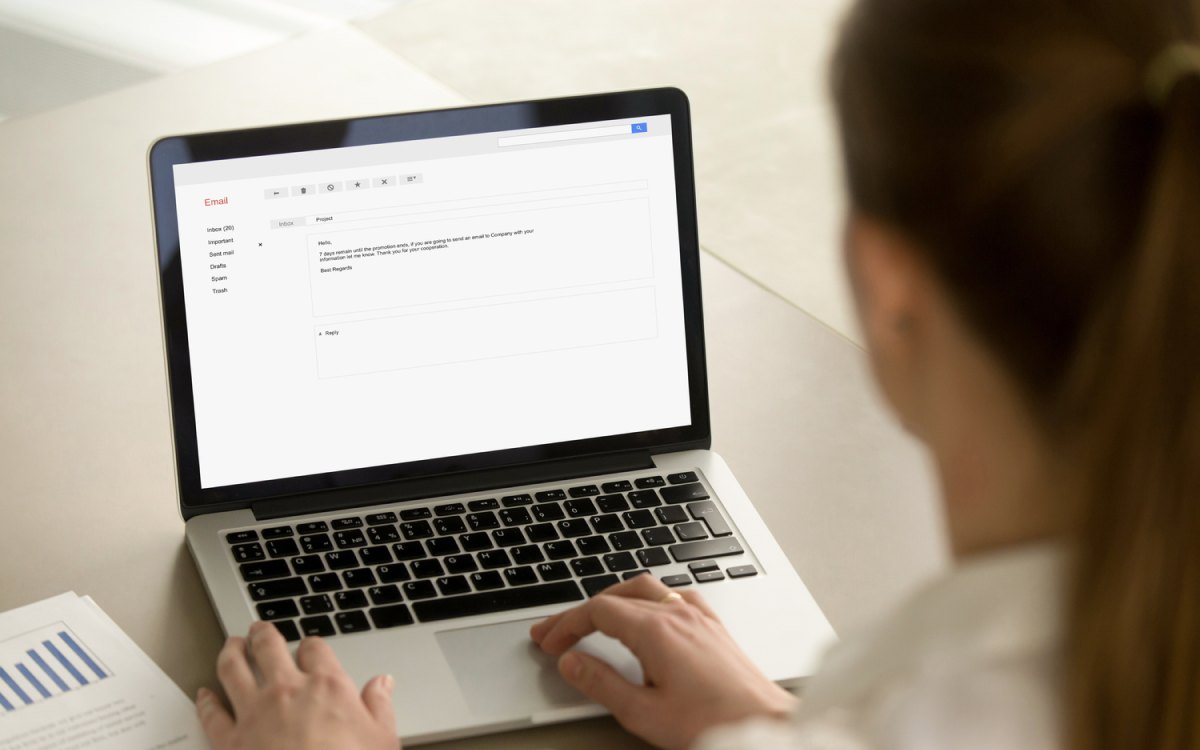
Old email addresses have a way of accumulating over the years. A college account here, a work address from a previous job there, a throwaway address created for a single signup. The problem is that forgotten accounts can expose personal information, remain tied to financial services, or become security vulnerabilities. Finding and accounting for every email address associated with your name is a practical step toward better digital hygiene.
Start With What You Already Know
Before using any external tools, work through what you can recall on your own. This step takes almost no time and often surfaces accounts you had genuinely forgotten.
Check Your Password Manager
If you use a password manager, browse through all stored logins. Many entries will display the email address used to create that account. This is one of the fastest ways to surface old addresses tied to active or dormant accounts.
Search Your Current Inbox
Search your primary inbox for phrases like “welcome to,” “verify your email,” “confirm your account,” and “you have successfully registered.” These are standard onboarding phrases that most services send when a new account is created. Any results tied to an email address you no longer recognise or use regularly are worth noting.
Check Your Browser’s Autofill Data
Most browsers store form data, including email addresses entered over time. You will find the options to check for them under privacy or autofill settings. Old addresses often surface here simply because they were typed into login or signup forms at some point.
Use Search Engines
Running your name and known email variations through search engines can surface publicly associated addresses you may have forgotten about.
Search Your Name With Email Keywords
Try searches like:
- “Your Name” email
- “Your Name” contact
- “Your Name” site:linkedin.com or site:twitter.com
If you have ever listed an email address publicly on a forum, personal website, professional directory, or social media profile, it may still be indexed and findable this way.
Search Known Username Patterns
Most people use the same username patterns across multiple platforms, such as “firstname.lastname” or “firstnamelastname” followed by numbers. Search these patterns combined with common email providers to identify addresses you may have created.
Use People Search and Data Aggregator Sites
People search websites compile publicly available data and can sometimes surface email addresses associated with your name, phone number, or previous addresses. Search your full name and review the results for any email addresses listed under your profile. Keep in mind that these sites may require payment to view full records, and the information is not always current or complete.
If you find old addresses through these services, you will want to follow up by attempting to log into those accounts and either securing or closing them.
Check Social Media Platforms Directly
Many social media platforms allow you to search for accounts by email address. Try entering your suspected old email addresses into the login or account recovery fields on multiple platforms. If the system recognises the address, it will typically prompt a recovery option, confirming that an account exists under that email.
This method works even if you no longer have access to the email account itself, as long as you have access to a phone number or backup email associated with the profile.
What to Do Once You Find Old Addresses
Finding the addresses is only half the job. Once you have a complete list, take the following steps:
- Attempt account recovery. Use the forgot password option for each address. If the email account itself is still accessible, log in and review what is linked to it.
- Close accounts you no longer need. Dormant accounts are security liabilities. Delete any account tied to an old address that serves no current purpose.
- Update critical services. If any financial, medical, or government-related accounts are still tied to old addresses, update them to a current, actively monitored email immediately.
- Monitor for breaches going forward. Set up breach alerts so you are notified if any of your addresses appear in future data leaks.
A Note on Professional Help
If you are conducting this search for legal, professional, or security-related reasons and need a thorough and documented result, a licensed private investigator or a digital forensics professional can conduct a more comprehensive search across commercial and private databases that are not publicly accessible.